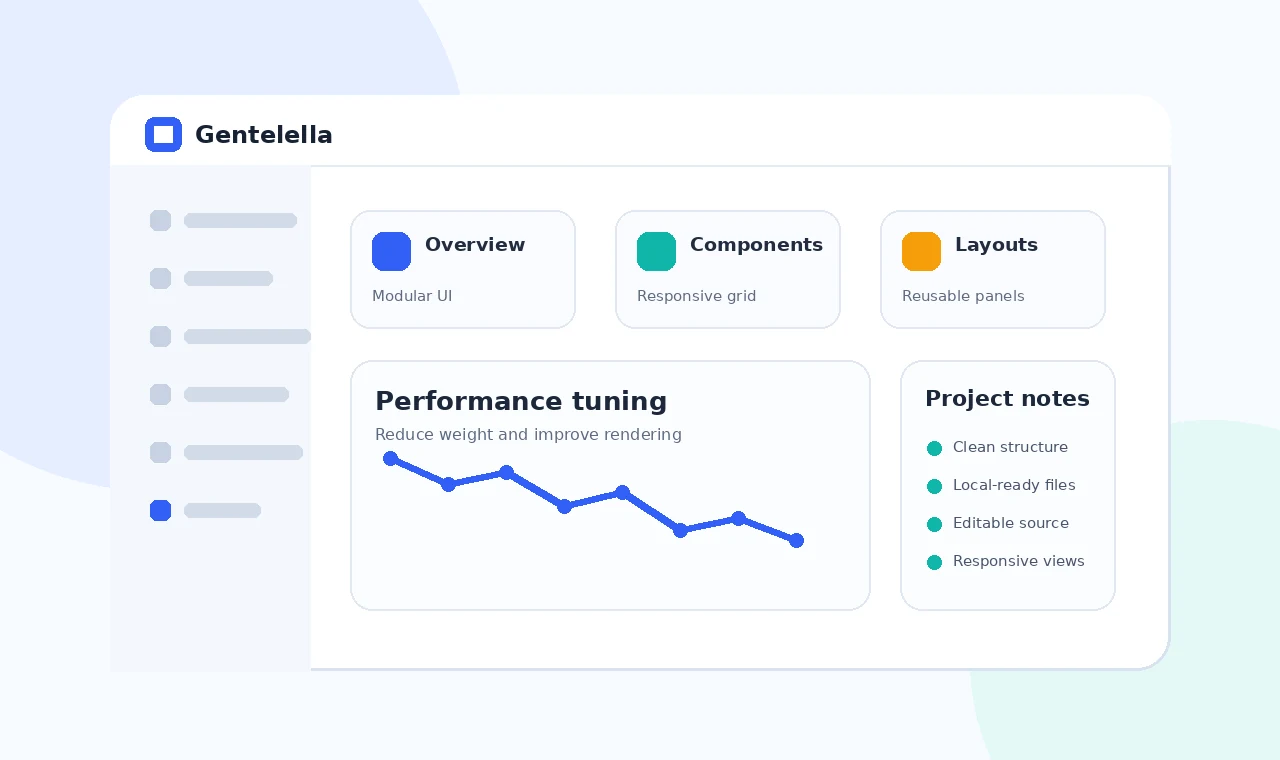
Dashboard templates often include many example components so developers can explore different layouts. A production application rarely needs every example, plugin or asset. Leaving unused files in the final build can increase page weight and make debugging harder.
Performance work should begin with measurement, followed by targeted removal and optimization. Test the pages users actually open, especially those with tables, charts or frequent data updates.
Remove unused code
Create an asset inventory
Record which styles and scripts each live page uses before deleting shared files.
Remove examples gradually
Test after every group of removals so a hidden dependency is easier to identify.
Optimize visual assets
Use correctly sized images
Do not load a large illustration when it is displayed as a small card thumbnail.
Delay non-critical media
Lazy-load images below the first viewport where appropriate.
Reduce rendering work
Limit heavy dashboards
Do not render every chart and table at once when users need only a summary.
Measure after real data integration
Data volume and update frequency can change performance more than the original template.
Final checklist
- Confirm all local asset paths.
- Remove unused examples and dependencies.
- Test navigation, forms and tables responsively.
- Verify live hosting paths and clean URLs.
- Keep private credentials outside front-end files.